
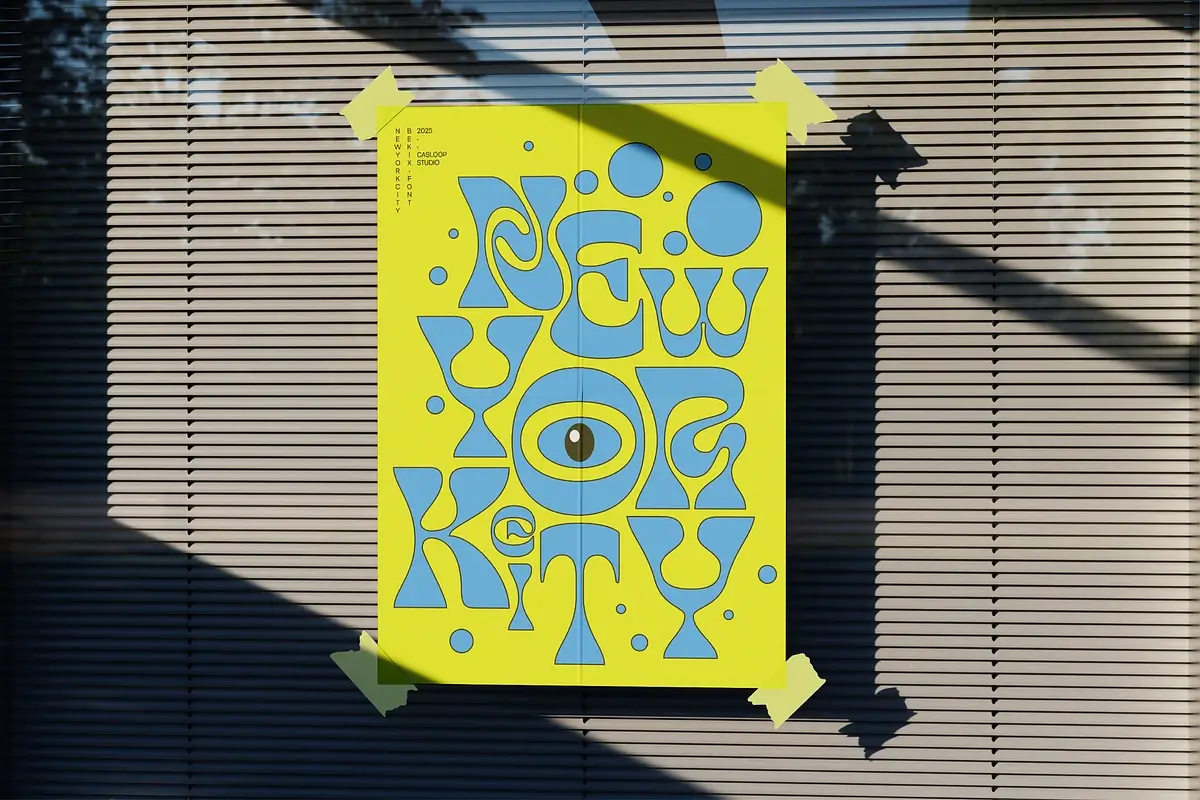
7 Powerful TikTok Fonts That Make Every Video Look More Iconic
You saw the font on TikTok.
Maybe it was bold and condensed. Maybe it looked soft, nostalgic, handwritten, futuristic, or slightly chaotic in the most beautiful way. You saved the video, replayed it twice, and then searched for the font because, obviously, your next edit needs it.
Welcome to the rabbit hole.
The right typeface can completely change a TikTok video. It can make a caption feel funnier, a product look more premium, a travel edit feel more cinematic, or a creator brand look instantly recognizable.
In this guide, we are exploring seven font styles that work beautifully for TikTok videos, short-form content, thumbnails, creator branding, and social campaigns. If you are looking for free fonts to test, Flirtype is a lovely place to start. It helps you discover typefaces before choosing the one that makes your content feel unmistakably yours.
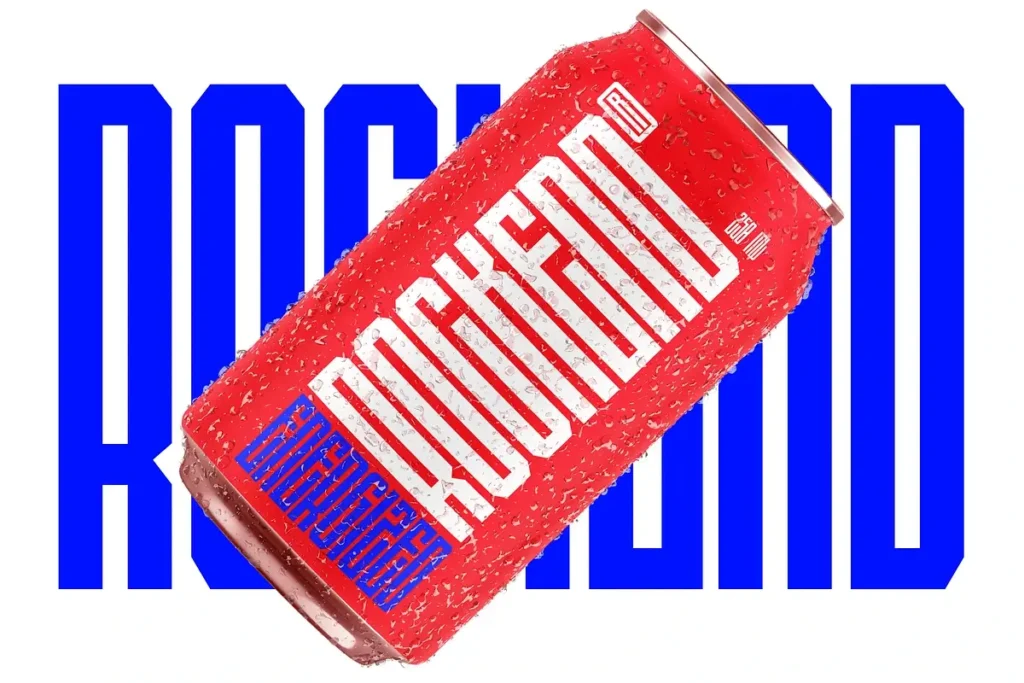
1. Bold Condensed Fonts for Instant Attention
Bold condensed fonts are perfect when your message needs to land quickly.
Their narrow width allows more words to fit on screen, while their heavy weight helps captions remain visible over video. This makes them useful for hooks, punchlines, product claims, reaction videos, and fast-paced edits.
Try bold condensed fonts for:
- first-second video hooks
- dramatic statements
- sports and fitness content
- fashion edits
- product launches
- music and event announcements
- thumbnail text
Use uppercase text for extra impact, but do not make every word shout. One strong phrase is usually more attractive than a full paragraph wearing a megaphone.
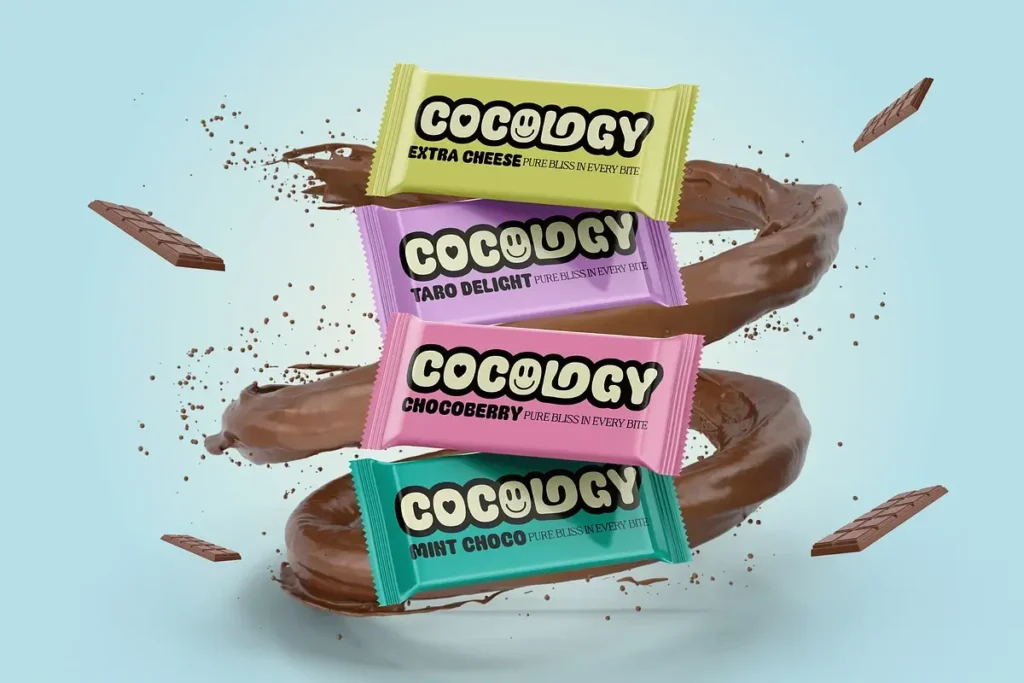
2. Soft Rounded Fonts for Friendly Creator Content
Rounded fonts can make content feel approachable, playful, and easy to understand.
They work well for lifestyle creators, beauty content, food videos, family brands, casual tutorials, and educational posts. The softer shapes can make a message feel less corporate and more like advice from a friend who has good taste.
Use rounded fonts for:
- how-to videos
- recipe content
- daily vlogs
- wellness and beauty tips
- small business content
- friendly product reviews
Pair a rounded headline with a simple sans-serif for smaller captions. The result feels warm without becoming difficult to read.
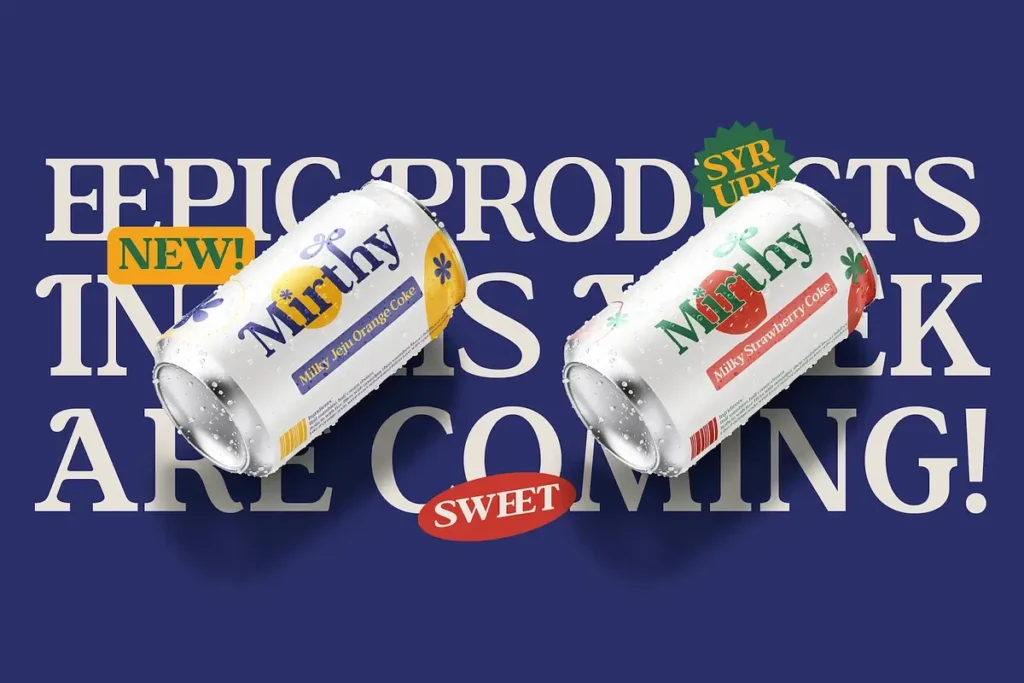
3. Editorial Serif Fonts for a More Premium Mood
Serif fonts are having a very attractive social-media moment.
A refined serif can make a TikTok edit feel editorial, elegant, romantic, or fashion-forward. Use one for outfit videos, beauty launches, interior design, travel content, book recommendations, and premium product storytelling.
Editorial serif fonts are especially effective when the video has a slower pace. Give the letters enough space, keep the caption short, and let the typography feel like a magazine cover that learned how to move.
Explore modern serif collections on Flirtype when you want your content to look polished without losing personality.

4. Handwritten Fonts for Personal Stories
Handwritten fonts add a human touch to digital content.
They are useful for personal captions, behind-the-scenes videos, journal-style edits, romantic announcements, handmade products, and creator content that needs to feel intimate rather than overly designed.
The best handwritten fonts still need clear letterforms. Test the font at small sizes and check whether every letter remains readable over moving footage.
Use handwritten type as an accent rather than the font for every sentence. A little handwriting can feel personal. Too much can turn your caption into a beautiful little mystery nobody can solve.
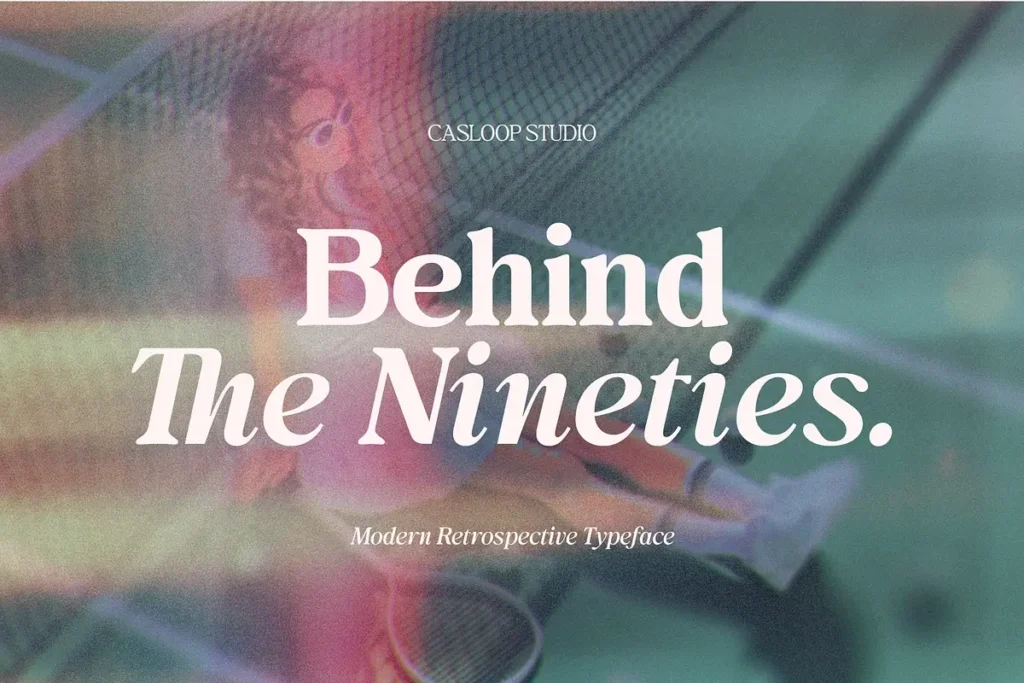
5. Retro Fonts for Nostalgic TikTok Edits
Retro fonts can make a video feel like it came from another decade, even when it was filmed five minutes ago.
Use vintage-inspired type for music content, thrift fashion, gaming, food packaging, retro photography, old-school tutorials, and nostalgic storytelling.
The mood can change dramatically depending on the font:
- 1970s-inspired curves can feel warm and playful.
- 1980s display fonts can feel energetic and futuristic.
- 1990s lettering can feel casual and familiar.
- early-digital styles can feel experimental and internet-native.
Match the font with color, grain, sound, and motion. Typography works best when the whole edit shares the same mood.
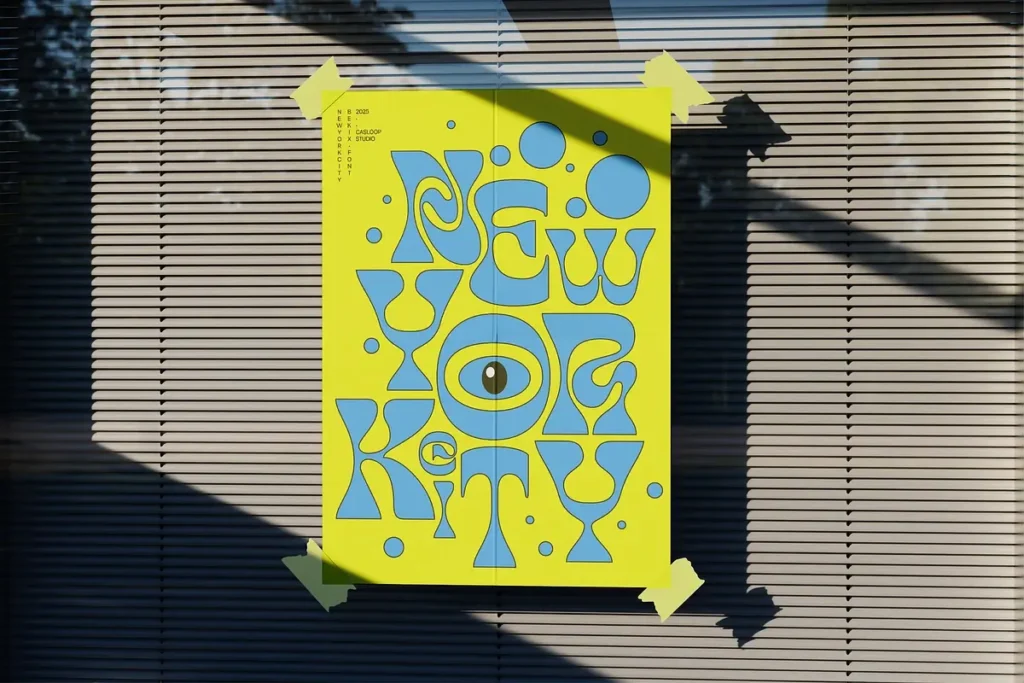
6. Experimental Display Fonts for Strong Visual Identity
Sometimes the font is not supporting the video. Sometimes the font is the video.
Experimental display fonts can help creators build a recognizable visual signature. They are ideal for title cards, music edits, art videos, fashion campaigns, creative portfolios, and launch announcements.
Use these fonts when:
- the text is short
- the message is more visual than informational
- the audience already understands the context
- the font is large enough to read
- the typography has space to breathe
If your audience needs to read a detailed instruction, switch to a calmer font. Beautiful drama is wonderful. Confusing instructions are less flirtatious.
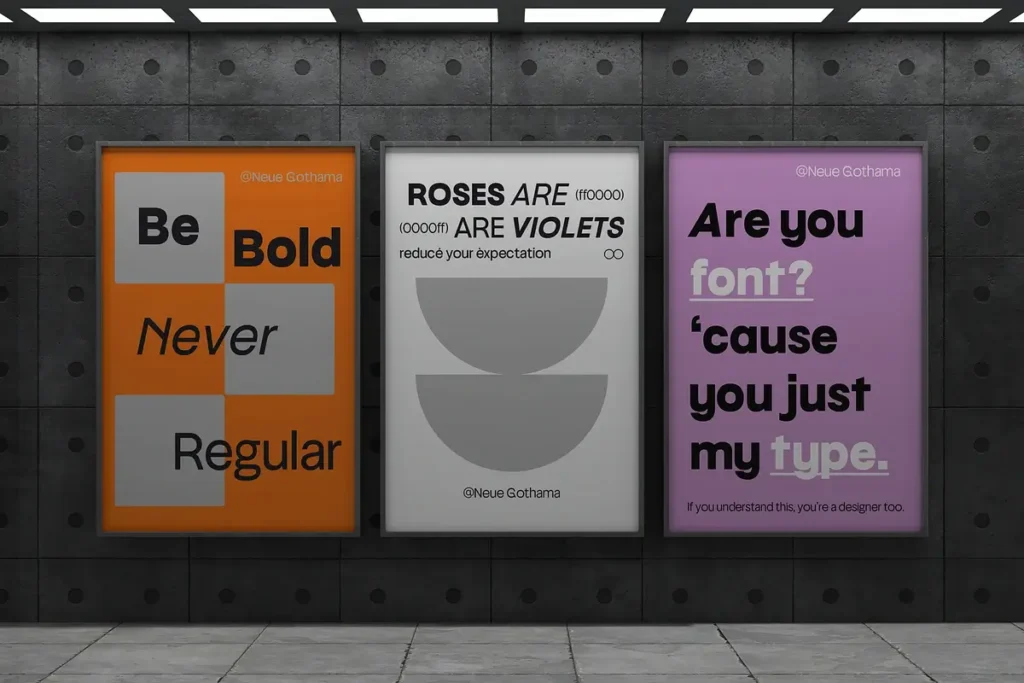
7. Clean Sans-Serif Fonts for Everyday Content
Not every TikTok needs a dramatic typeface.
Clean sans-serif fonts are reliable for tutorials, reviews, educational clips, commentary, business content, and videos with a lot of information. They are usually easy to read on small screens and can work across different content categories.
A clean sans-serif is also useful as the supporting font in a creator’s visual system. You can pair it with a display font for titles, then use the sans-serif for subtitles, dates, prices, and calls to action.
That small bit of consistency can make a creator account look much more intentional.
How to choose the right TikTok font
Before downloading a font, test it with the actual words you plan to use.
Ask:
- Is it readable on a small phone screen?
- Does it work over light and dark video footage?
- Can viewers understand it within a few seconds?
- Does it include the language and characters you need?
- Does the license allow social media and commercial use?
- Can you use it consistently across TikTok, Instagram, YouTube Shorts, and your website?
A font that looks gorgeous in a static preview may behave differently when it is animated, cropped, or placed over moving footage.
Always test the real thing. Your caption deserves a proper audition.
How to use free fonts for TikTok videos
Free fonts can be a great starting point for creator content, but always read the license first.
Some fonts allow personal use only. Others allow commercial social media content, client work, video monetization, or brand campaigns. The license can vary from one font to another.
A simple workflow:
- Find a font that matches your content mood.
- Download it from a reliable source.
- Read the license.
- Test the font in your editing software.
- Check readability on a mobile screen.
- Save the font name and license information.
- Use it consistently across your content system.
Flirtype is designed for discovery, so you can explore free fonts and compare styles before choosing the typeface that deserves a starring role in your videos.
Creator branding: use the same font more than once
If viewers keep seeing the same font style in your hooks, thumbnails, captions, and end cards, they may begin to recognize your content before reading your username.
Choose:
- one main font for video titles
- one supporting font for details
- one accent style for special announcements
This creates a small but memorable creator identity. You do not need a complicated brand system. You need a type choice that feels consistent enough to become yours.
From TikTok discovery to Casloop discovery
A TikTok video may introduce you to a font, but the discovery does not need to end there.
At Casloop, typography is treated as a creative journey. Flirtype helps you browse and discover free fonts. Casloop Studio develops broader font collections, expressive type families, branding fonts, display styles, serif and sans-serif systems, and variable font options.
The journey is simple:
- See a font idea on TikTok.
- Search for the style or typeface.
- Explore free fonts on Flirtype.
- Test the font in your own content.
- Visit Casloop Studio when you need a larger font family or a more complete type system.
That is how a scroll becomes a design decision.
Final thoughts: make your next video impossible to ignore
The best TikTok fonts do more than look trendy. They help viewers understand the message, recognize the creator, and feel the mood of the video before the caption is fully read.
Bold condensed fonts create urgency. Rounded fonts create warmth. Serif fonts create polish. Handwritten styles create intimacy. Retro and experimental fonts create personality. Clean sans-serif fonts keep information clear.
Start with the feeling you want, then find the letters that support it.
Explore free fonts on Flirtype, save the ones that make you stop scrolling, and build a visual style that feels completely yours.
Your next type crush may already be waiting between two TikToks.
Found a font style on TikTok
that you cannot stop thinking about? Explore free fonts on Flirtype and discover your next type crush with Casloop.
FAQ
What are the best TikTok fonts?
The best TikTok fonts depend on the mood and content. Bold condensed fonts work well for hooks, rounded fonts suit friendly content, serif fonts create a premium mood, handwritten fonts add personality, and clean sans-serif fonts keep information readable.
Where can I find free fonts for TikTok videos?
You can explore free fonts on Flirtype, Casloop’s font discovery platform. Always check the license before using a font for monetized or commercial content.
Can I use free fonts in monetized TikTok videos?
It depends on the individual font license. Some free fonts permit commercial or monetized social media use, while others are limited to personal projects.
What fonts are good for TikTok captions?
Readable sans-serif fonts, bold condensed fonts, and selected rounded fonts are often useful for captions because they remain clear on small mobile screens. Test the font over both light and dark footage.
How can I make my TikTok content look more branded?
Choose one primary font for titles, one supporting font for details, and use them consistently across videos, thumbnails, end cards, and other social content.